 HSE IPAA



Microsoft Excel Courses
Individual and corporate training for beginners and experienced users
 A program tailored to your level
 One-on-one and in groups
 HSE IPAA certificate of completion
25 500 ₽
/level
20 000 ₽
/level
Why learn Excel
Excel is a versatile tool for organizing and processing data: calculations, analytics, and clear presentation of large volumes of information.

Calculations, analytics, and data visualization

Useful for office staff, managers, analysts, and logistics specialists

Professional work with formulas and tables
What participants will learn
 Create, edit, and save Excel workbooks, lists, and tables
Enter and edit data and format cells
Sort, filter, group, and consolidate data
Build formulas and perform calculations of varying complexity
Work with functions and relative and absolute references
Build graphs and charts: column, pie, scatter
Use Excel as a database and create price lists, statements, and catalogs
Create, edit, and save Excel workbooks, lists, and tables
Enter and edit data and format cells
Sort, filter, group, and consolidate data
Build formulas and perform calculations of varying complexity
Work with functions and relative and absolute references
Build graphs and charts: column, pie, scatter
Use Excel as a database and create price lists, statements, and catalogs
Course benefits
Training is built around your tasks and current skill level.

Individual approach
The program is shaped around your existing knowledge — no repeating what you have already mastered.

Practical assignments
Tasks mirror real work and deliver skills you can apply immediately.

Individual and corporate
One-on-one sessions, small groups, and training for company staff.
Which level the course suits
The course is designed for users with different levels of experience.

Beginners
Creating and editing spreadsheets from scratch.

Confident users
Calculations of varying complexity, sorting and filtering data.

Advanced users
Macros, complex functions, and automating large numbers of repetitive calculations.

Corporate groups
Training department staff around the company's specific work processes.
Who this training is for
Office staff
Accountants and economists
Analysts and reporting specialists
Logistics specialists
Managers
Specialists working with large spreadsheets
Corporate employee groups
Training program
The course covers working with tables, calculations, data analysis, and visualization.

Any level
from beginner to advanced

One-on-one
a program for your tasks

Corporate
staff training
- Creating, editing, and saving workbooks, configuring settings.
- Entering and editing cell contents, formatting tables.
- Sorting, filtering, grouping, consolidating, copying, and moving data.
- Calculations of varying complexity, relative and absolute references, automating calculations.
- Graphs and charts: column, pie, scatter; customization and choosing source data.
- Schedules, statements, catalogs, and price lists in table form.
Course price
20 000 ₽/level

Learn now, pay later!
2 444
₽/mo
1 917
₽/mo
Installments for 12 months
15%
Enroll in the course or get a free consultation
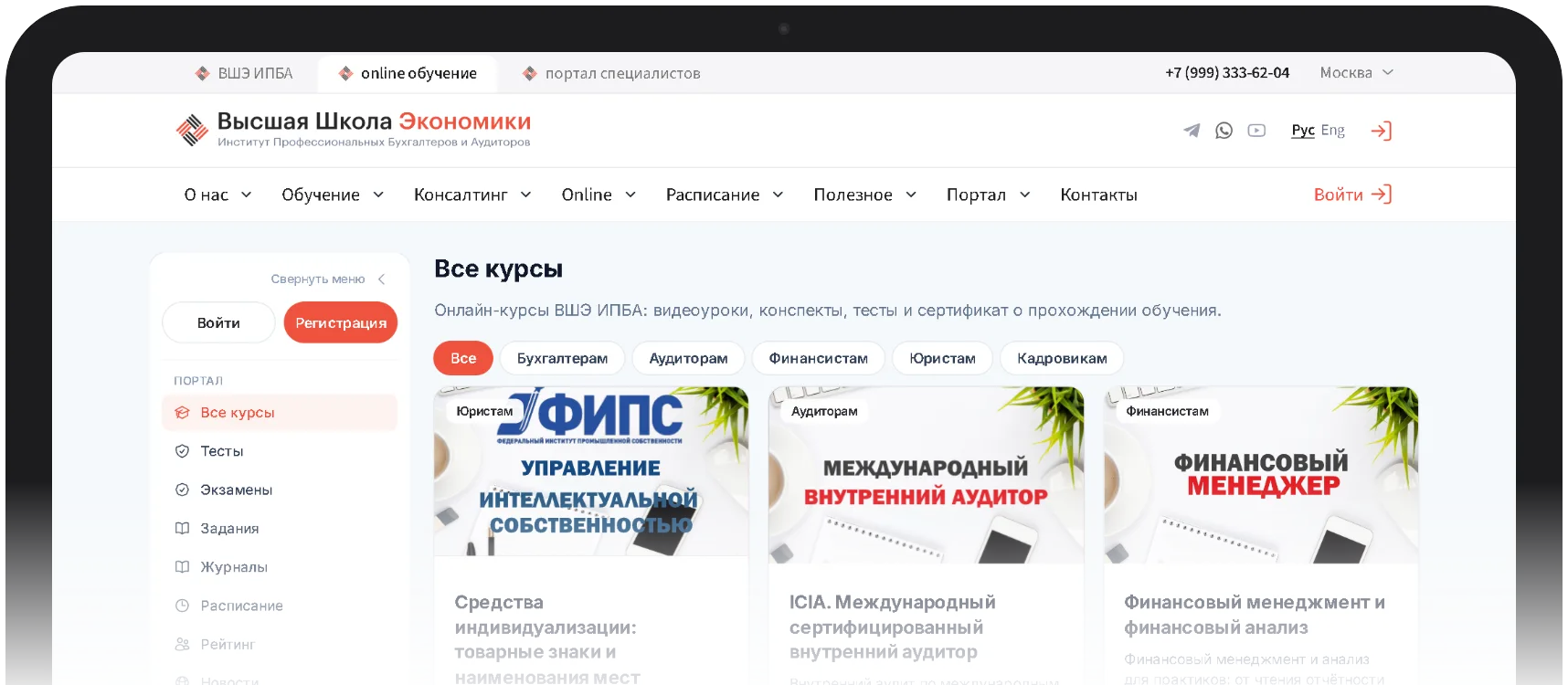
Удобная платформа для обучения
Личный кабинет с понятным интерфейсом: управляйте обучением, следите за прогрессом и общайтесь с преподавателями в одном месте.
Учебные материалы
Все лекции, презентации и задания в одном месте
Расписание занятий
Календарь с напоминаниями о ближайших занятиях
Прогресс
Успеваемость и выполненные задания
Видеолекции
Смотрите лекции в удобное время
Frequently Asked Questions
When are classes held?
Groups start as soon as enough participants enroll, and class times are agreed with the participants. Online courses can be taken at any convenient time in the Online Learning section.
How much does training cost?
The price of each course is listed in the schedule. Terms for corporate groups are discussed separately.
Who teaches the classes?
Instructors with extensive practical and academic experience; many of them hold professional certifications, academic degrees and titles.
Where does training take place?
In our classroom in Moscow, at the client’s premises, or online in the Online Learning section.
Can I study from another city?
Yes. Online courses are available from any region of Russia: lectures, materials and tests are gathered in your personal account in the Online Learning section.
How long does a course last?
It depends on the program: the duration is shown on each course page in the catalog. For online courses, the duration is shown to the minute.
Course price
20 000 ₽/level
Learn now, pay later!
2 444
₽/mo
1 917
₽/mo
Installments for 12 months
15%
Enroll in the course or get a free consultation
Microsoft Excel course
Excel is one of the most in-demand work tools for organizing and processing data. Behind its seemingly simple interface lie powerful capabilities: hundreds of built-in functions, analysis tools, pivot tables, macros, and a built-in programming language.
The program is useful not only for office staff but also for managers, analysts, economists, and logistics specialists — anyone who regularly works with calculations, reports, and large spreadsheets.
Excel features covered in the course
- Working with numeric data.
- Working with text.
- Graphs and charts.
- Diagrams and images.
- Lists and databases.
- Importing and exporting data.
- Automating repetitive tasks.
- Dashboards.
- The built-in programming language.
Course goals
To give participants Excel knowledge and skills they can apply at work right away:
- core concepts and tools of the program;
- professional work with formulas and tables;
- confident spreadsheet skills;
- competent and efficient use of the program for work tasks.
Individual and corporate training
The program is tailored to the participant's starting level, so you don't spend time on what you already know. The course suits users of all levels, and the assignments mirror real work processes:
- creating and editing spreadsheets;
- mathematical calculations of varying complexity;
- sorting and selecting data;
- preparing spreadsheet documents of any complexity;
- fast data processing in documents and calculations;
- working with lists and pivot tables;
- generating reports;
- building charts and graphs.
Excel for economists and finance professionals
A separate block covers financial analysis with Excel: financial functions (including depreciation calculations), evaluating investment returns, and forecasting indicators such as exchange rates.
By the end of the course, participants will be able to
- create, edit, and save Excel workbooks, lists, and tables, and configure settings;
- enter and edit data, format cells, and sort, filter, group, consolidate, copy, and move data;
- build formulas and perform calculations of varying complexity, work with functions and relative and absolute references, and automate large numbers of repetitive calculations;
- design spreadsheet documents (schedules, statements, catalogs, price lists) and use Excel as a database;
- build and customize charts (column, pie, line, scatter), choosing source data, axes, and formatting;
- create pivot tables and analytical reports from large data sets;
- record macros and automate routine operations.
Training terms
- Format: individual, corporate, online.
- Duration: 5–7 sessions.
- Group size: 4–6 people.
- Fee: depends on the training format; see the Contacts section for details.
- Schedule: days and times by arrangement.
- Certificate: HSE IPAA certificate of completion.
Not sure which program to choose?
Our specialists will help you choose a program for your goals and answer all your questions. The consultation is free!
Reach us in one click: call us.
+7 (999) 333-62-04
contact us via messengers


